
 Abdimalik Hussein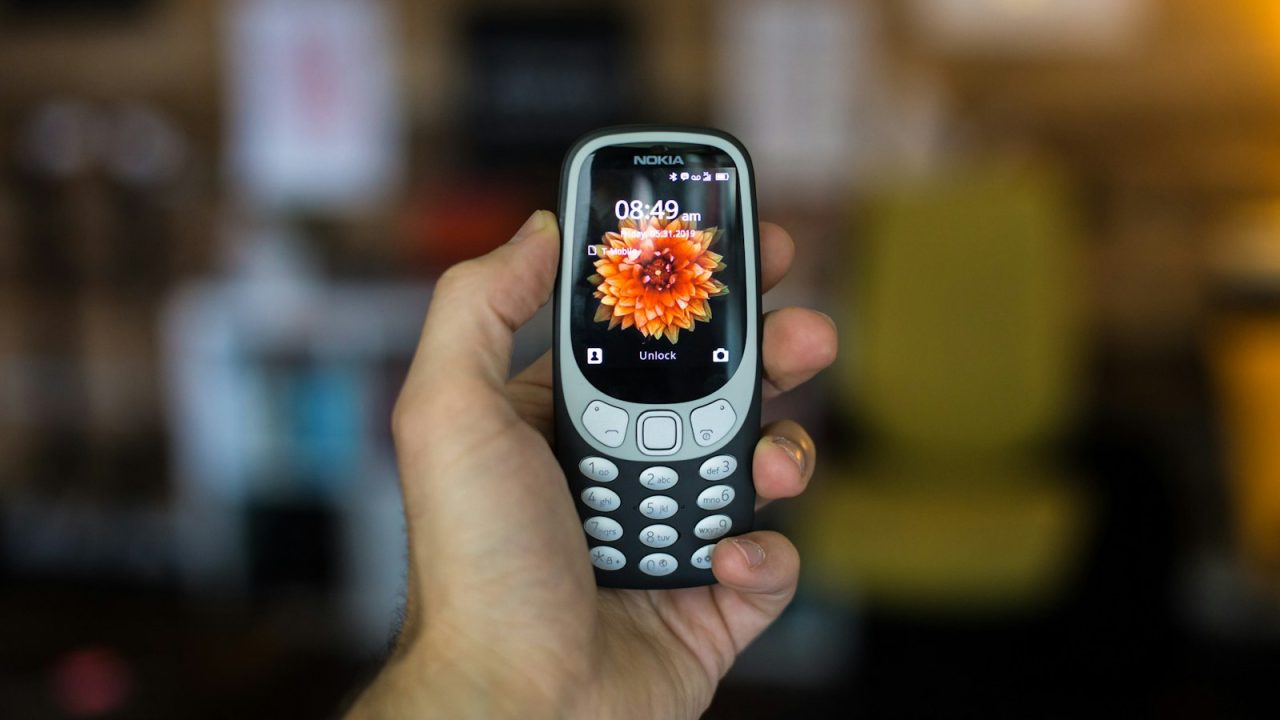
Smartphones are growing fast, but a large share of people in Kenya, Somalia and the wider region still use basic phones, or switch off mobile data to save money. USSD, the *123# style menus you already use for airtime and mobile money, reaches all of them. For a shop, a SACCO, a school or a farmer co-operative, a USSD menu is often the most inclusive “app” you can ship.
In this tutorial we’ll build a USSD app with Node.js and Express: a menu with a balance check and an airtime purchase with a confirmation step. You can test the whole thing for free in the Africa’s Talking sandbox.
How a USSD session works
When a user dials your code, the mobile network opens a session and Africa’s Talking forwards it to your server as an HTTP POST. Every time the user types an option and presses send, you get another POST for the same session. The important fields are:
- sessionId: the same for every request in one session.
- phoneNumber: the caller, in international format.
- serviceCode: the code that was dialled.
- text: everything the user has typed so far, joined with
*. It is empty on the first request.
Your reply is plain text. Start it with CON to show a screen and wait for more input, or END to show a final message and close the session. That’s really the whole protocol.
Set up the project
mkdir duka-ussd && cd duka-ussd
npm init -y
npm install express
Write the menu
The trick is that your server is stateless: you rebuild where the user is from the text field on every request. Split it on * and branch on the number of steps.
// server.js
const express = require('express');
const app = express();

// Africa's Talking sends form-encoded POST requests
app.use(express.urlencoded({ extended: false }));

app.post('/ussd', (req, res) => {
  const { sessionId, phoneNumber, text = '' } = req.body;
  const steps = text === '' ? [] : text.split('*');
  let reply;

  if (steps.length === 0) {
    reply = 'CON Welcome to Duka\n1. Check balance\n2. Buy airtime\n0. Exit';
  } else if (steps[0] === '1') {
    reply = 'END Your balance is KES ' + getBalance(phoneNumber);
  } else if (steps[0] === '2' && steps.length === 1) {
    reply = 'CON Enter amount (KES 10 - 1000):';
  } else if (steps[0] === '2' && steps.length === 2) {
    const amount = Number(steps[1]);
    reply = Number.isInteger(amount) && amount >= 10 && amount <= 1000
      ? 'CON Buy KES ' + amount + ' airtime?\n1. Confirm\n2. Cancel'
      : 'END Invalid amount. Dial again to retry.';
  } else if (steps[0] === '2' && steps.length === 3) {
    if (steps[2] === '1') {
      queueAirtime(phoneNumber, Number(steps[1]), sessionId);
      reply = 'END Request received. You will get an SMS shortly.';
    } else {
      reply = 'END Cancelled.';
    }
  } else {
    reply = 'END Goodbye.';
  }

  res.set('Content-Type', 'text/plain').send(reply);
});

app.listen(process.env.PORT || 3000);
getBalance and queueAirtime are your own functions. Keep anything slow, such as calling another API or sending an SMS, out of the request: put it on a queue and reply immediately. Sessions time out after roughly 30 seconds of inactivity, and a slow server makes the menu feel broken.
Add a “back” option
Users make mistakes. A common convention is 00 for “back”. Clean the input before branching:
// "1*2*00" -> ["1"]  : 00 means "go back one step"
function normalise(text) {
  const out = [];
  for (const s of text.split('*').filter(Boolean)) {
    if (s === '00') out.pop(); else out.push(s);
  }
  return out;
}
Then use normalise(text) instead of text.split('*') in the handler.
Test it free in the sandbox
- Create a free account at Africa’s Talking and open the Sandbox app.
- Expose your local server with a tunnel:
npx ngrok http 3000
# copy the https URL, e.g. https://abcd-1234.ngrok-free.app/ussd- In the sandbox, go to USSD → Create channel, pick a test code and paste your public URL ending in
/ussdas the callback. - Open the sandbox simulator, enter a test phone number and dial your code. Walk through every branch, including wrong inputs.
Design rules that save you support calls
- Keep screens short. Around 160 characters fit on most phones; longer text gets cut off.
- Number every option and keep menus to about five items. Put rare actions under “More”.
- Always confirm money. Show the amount and ask for 1 to confirm before you charge anyone.
- Validate every input and end with a clear message if it is wrong, instead of a silent failure.
- Use sessionId for idempotency. Networks can resend a request; never charge twice for the same session and step.
- Send an SMS receipt for anything important. The USSD screen disappears; the SMS stays.
Going live in Kenya
When the flow works, request a production code from Africa’s Talking. You can choose a dedicated shortcode (easier to remember, more expensive) or a shared code with an extension, such as *384*123# (cheaper). Expect to provide company documents, such as a certificate of incorporation and KRA PIN, and allow a few weeks for the mobile operators to approve it. Pricing is a monthly code fee plus a charge per session, so check the current rates on the Africa’s Talking website before you plan your budget.
Finally, test on Safaricom, Airtel and Telkom lines separately. Small differences in how each network handles sessions only show up on real phones.
Where to go next
Once your menu works, the natural next steps are taking payments with M-Pesa (see our guide to the Daraja STK Push API) and sending SMS receipts. Both plug into the same Node.js server you built here. See M-Pesa STK Push in Node.js for the payment side, and the Africa’s Talking docs for SMS.