
 Abdimalik Hussein
It usually starts with a message that looks exactly like an M-Pesa confirmation. “QJK7XXXX Confirmed. You have received Ksh2,500.00 from JOHN KAMAU…” A minute later your phone rings. The caller sounds stressed. He sent his child’s school fees to the wrong number, and could you please send it back?
This is the most common M-Pesa scam SMS in Kenya, and it still works every day because it hits people when they’re busy and want to do the right thing. The good part is that you can check it in about 20 seconds, without calling anyone.
The “sent by mistake” M-Pesa scam SMS, step by step
Here’s what actually happens. The scammer types a fake confirmation and sends it from an ordinary phone number. No money moves. Then they call, or send a second SMS, asking for a “refund”. If you send it, the only real transaction is the one from your wallet to theirs.
Before you do anything, check these three things:
- Who sent it? Real confirmations come from the sender name MPESA. If the message came from a number like 0712 XXX XXX, it’s fake. It doesn’t matter how official the text looks.
- Is the money in your balance? Open the M-Pesa menu or the M-PESA app and check your balance and mini statement. If the money isn’t there, nobody sent it.
- Does the code exist? Real transaction codes are 10 characters, capital letters and numbers, and they show up in your statement. A code that isn’t in your statement isn’t real.
If someone genuinely sent you money by mistake, they don’t need you to send anything. They can call Safaricom and ask for a reversal. Point them there, politely, and hang up.
Other scam messages to watch for
The “mistake” trick is the classic, but these come up a lot too:
- Fake promotions. “Congratulations! You have won Ksh50,000 in the Safaricom promotion. Send Ksh500 to claim.” Real prizes don’t ask you to pay first.
- Fake customer care. Someone calls saying your line or M-Pesa account will be blocked unless you “confirm” your PIN or the code you just got. Safaricom staff never need your PIN.
- Links in SMS. “Verify your M-Pesa account here” followed by a link. Don’t tap it. Safaricom doesn’t ask you to log in through SMS links.
- Urgent family requests. A new number claiming to be a relative in hospital or stuck at a police station. Call the relative on the number you already have before sending anything.
Small details give fakes away too: odd spacing, random capital letters, a “new balance” that doesn’t match yours, or a missing transaction cost line.
If you run a shop: don’t trust the customer’s phone
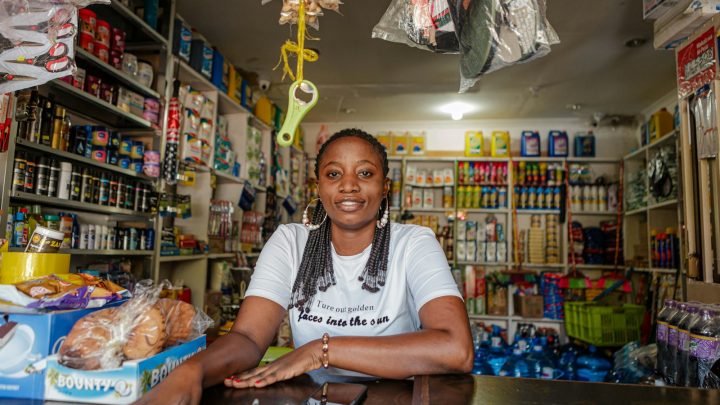
Businesses get a different version. A customer pays by Till or Paybill, shows you a confirmation on their phone, and walks out with the goods. Later you find nothing came in. The message was typed or edited.
The rule is simple. Only release goods when the payment shows on your side: your own M-Pesa statement, the M-PESA Business app, or your POS if it’s connected to M-Pesa. A screenshot or a forwarded SMS isn’t proof. If your staff handle payments, make this a written rule, not a suggestion. We cover more habits like this in 7 security mistakes small businesses in Kenya make.
What to do with a suspicious message
- Don’t reply, don’t call back, and don’t send money.
- Check your real balance in the M-Pesa menu or app.
- Forward the SMS to 333, Safaricom’s free short code for reporting fraud.
- Block the number.
- Tell your family, especially older relatives. They’re targeted a lot because nobody warned them.
Already sent money? Move fast
Call Safaricom customer care on 100 (or 200 for postpay) straight away and ask for a reversal. Have the transaction code ready. Speed matters: once the scammer withdraws the money, a reversal is much harder. You can also report it at a police station with the transaction code and the scammer’s number. Check Safaricom’s official website for current fraud reporting channels.
Make your own account harder to abuse
- Never share your M-Pesa PIN. If someone may have seen you type it, change it.
- Skip the obvious PINs: 1234, 0000 or your year of birth.
- Lock your phone, and set a PIN or fingerprint on the M-PESA app.
- If a “Safaricom” caller makes you uneasy, hang up and call 100 yourself.
Most of these scams only work if you act before you check. Twenty seconds in the M-Pesa menu is all it takes to stay out of trouble. If you get scam messages in Somali or Swahili, read our guide on why local-language phishing works so well.